If you would like to increase your online, please click on the link and follow the below instructions.
Servant Keeper Online Giving:
- Login
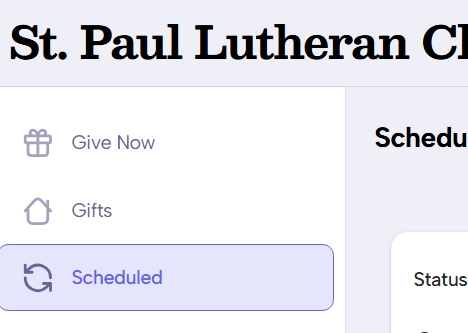
- On the right, click “scheduled”
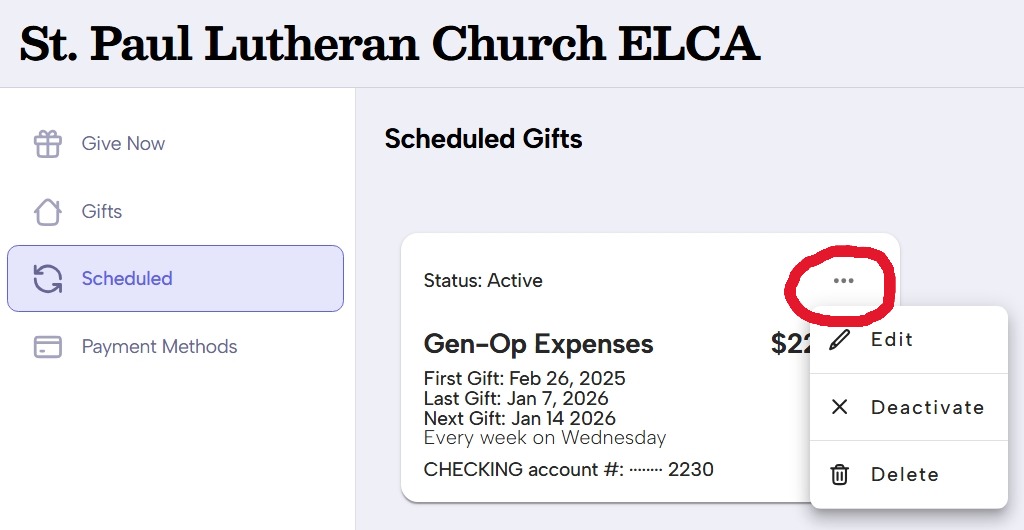
3. After clicking “Scheduled”, you will click the three dots to the right of your status and when the dropdown comes up, click “Edit”:
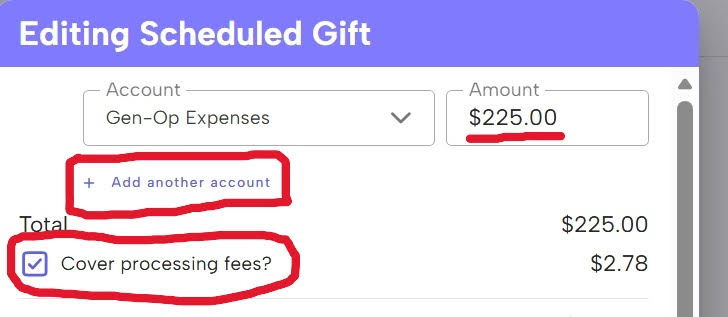
4. Here is where you can change your current giving for any account already listed or use ” + Add another account” to add giving to an account you do not already have listed. Please consider checking the box, “Cover processing fees?” which means you will pay the processing fee instead of coming out of the General Fund: